
5 Timeless Methods for Exploring Design Options—Before Digital Tools Took Over
Before Revit, Rhino, or AI rendering tools, architects relied on deeply intuitive, hands-on approaches to test and refine their ideas. These traditional methods weren’t just about nostalgia—they trained designers to think spatially, explore options with clarity, and solve problems creatively.
In fact, many of the world’s greatest architects—from Louis Kahn to Zaha Hadid—used these analog workflows to build some of the most iconic designs in history.
Let’s look at five classic methods for generating design options, how they were used by renowned designers, and how you can still apply them today.
1. Layered Trace Paper Sketching
Used by: Louis Kahn, Renzo Piano
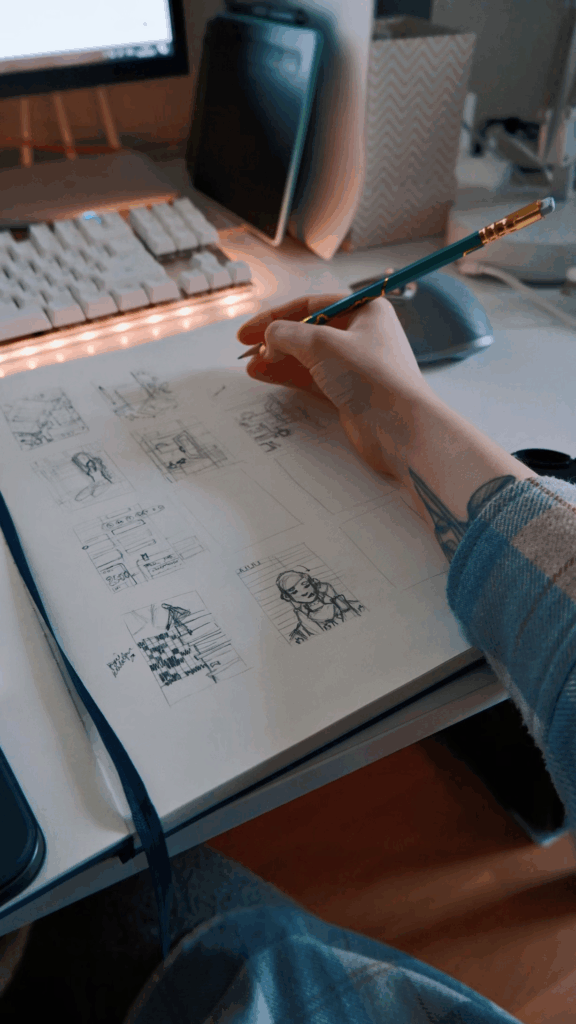
Designers like Louis Kahn famously used rolls of yellow trace paper to develop a single idea through multiple evolutions—layer by layer. By overlaying sketch options on trace, architects could compare changes in structure, space, or rhythm without redrawing from scratch.
Tip: Use a consistent scale and a strong base geometry (e.g., site boundary or structural grid) to keep trace layers aligned and comparable.
2. Bubble Diagrams and Zoning Blocks
Used by: Alvar Aalto, SOM (Skidmore, Owings & Merrill)
Bubble diagrams simplify complex programs into relational layouts. Aalto would often begin a project by mapping spatial relationships based on experience and flow. These sketches often evolved into zoning block diagrams that explored different circulation and adjacency logics.
Try This: Before diving into plans, sketch three versions of a bubble diagram—each with different priorities (e.g., hierarchy, symmetry, solar access).
3. Massing Models from Foam or Clay

Used by: Frank Gehry, Tadao Ando
Frank Gehry’s process often started with rough models made from clay, corrugated cardboard, or aluminum foil—transforming abstract gestures into spatial logic. Tadao Ando, while disciplined in form, also used study models to understand light, material, and weight.
Modern Adaptation: Use cardboard or foam blocks to represent buildings on a scaled site, and rearrange them to find the best orientation, view, and wind response.
4. Iterative Plan + Section Sketches
Used by: Le Corbusier, SANAA
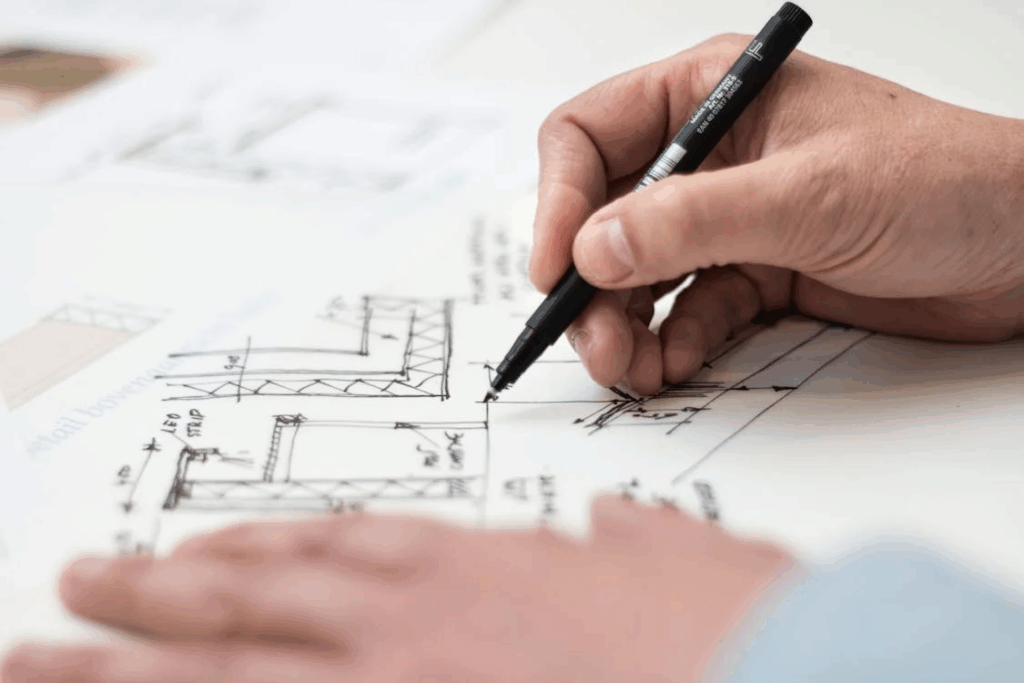
Designing in plan and section is about understanding both the experience and logic of space. Le Corbusier often developed options in parallel, comparing how spatial sequences changed depending on circulation, wall placement, or double-height moments.
Do This: Draw 3–4 quick plan options, then a matching section for each. Ask: “Which one best expresses my concept?”
5. Handwritten Evaluation Grids
Used by: Charles & Ray Eames
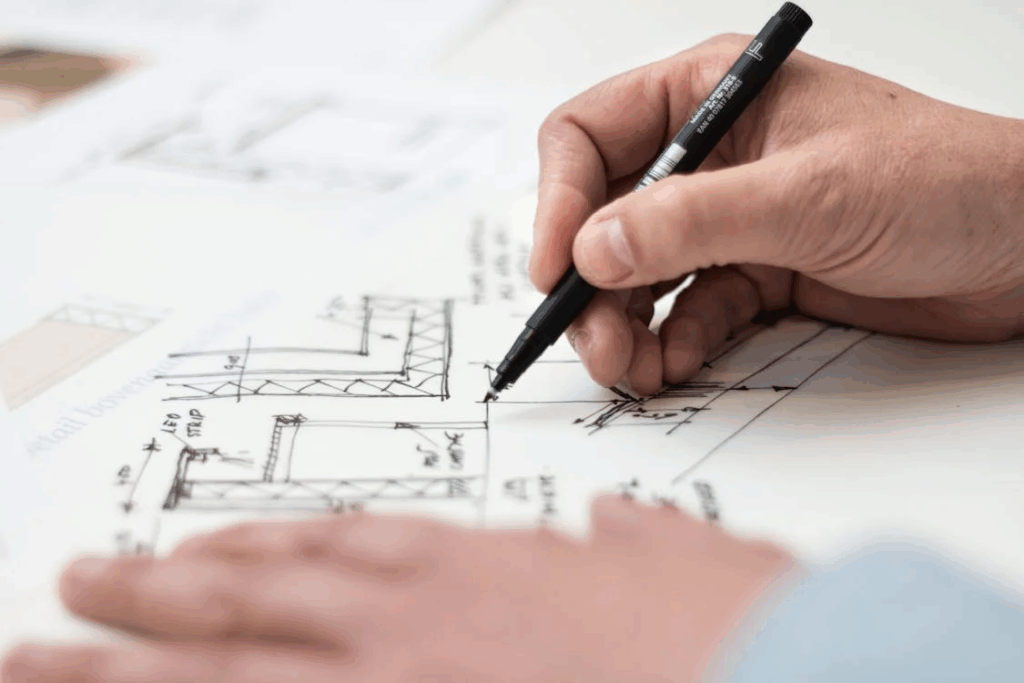
The Eameses were known for prototyping and testing variations—not just aesthetically, but functionally. They often wrote out qualities, trade-offs, and evaluations to clarify decisions collaboratively.
Your Turn: Create a table or checklist with design priorities (e.g., cost, daylight, flexibility) and score each option. You’ll often see which one truly fits best—even if it’s not your favorite.
🛠 Want to Try These in Revit?
Revit Users: We’ve just updated the Complete Revit Guide for Beginners with a brand-new section on Design Options in Revit. You’ll learn how to digitally apply many of these same exploration techniques using built-in tools—perfect for making client presentations or internal decisions.
👉 Explore the course here and start applying classic design thinking to your modern BIM workflow.
Conclusion:
Old-school techniques might seem slow in a digital-first world—but they train your eyes, hands, and mind in a way no AI tool can replace. Whether you’re modeling in Revit or sketching with a Sharpie, mastering the art of design options is what sets great architects apart.